
If your Lenovo laptop no longer starts properly or you want to access the BIOS without struggling with key combinations, you might have already noticed the small, inconspicuous dot with the arrow symbol – the so-called Novo button.
In this post, we’ll explain in plain English where this button is located, what it actually does, and when it makes sense to use it.

Table of Contents
What is the Novo button?
The Novo button is a special key built into many Lenovo laptops (especially the IdeaPad series).
It allows you to launch specific functions directly, even before Windows has booted up – such as:
- accessing the BIOS/UEFI setup
- the boot menu (e.g., to boot from USB or DVD)
- system recovery or OneKey Recovery software
In practical terms: the Novo button is your “emergency switch” if your laptop no longer boots correctly or you want to reset the system.
Where can I find the Novo button?
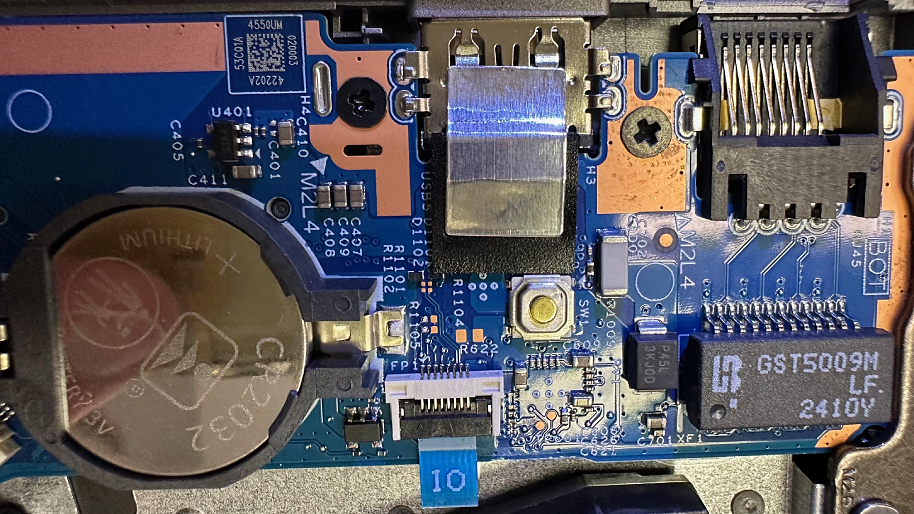
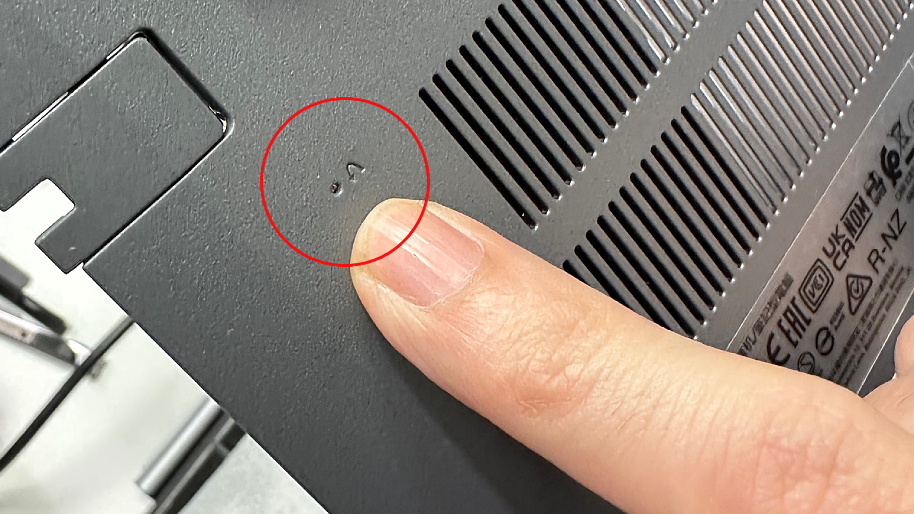
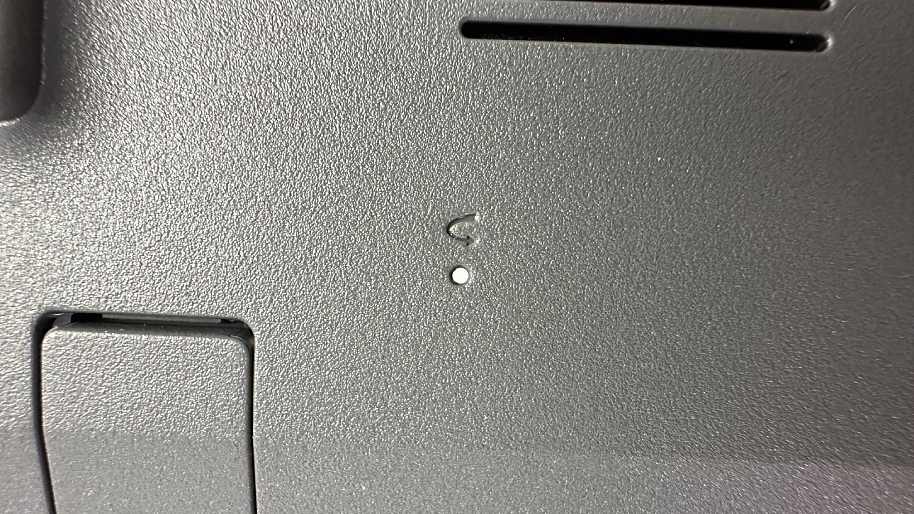
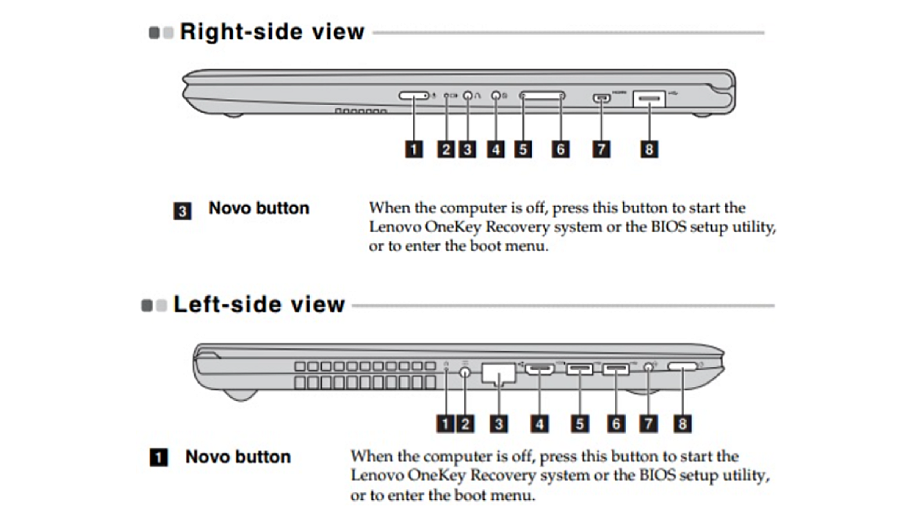
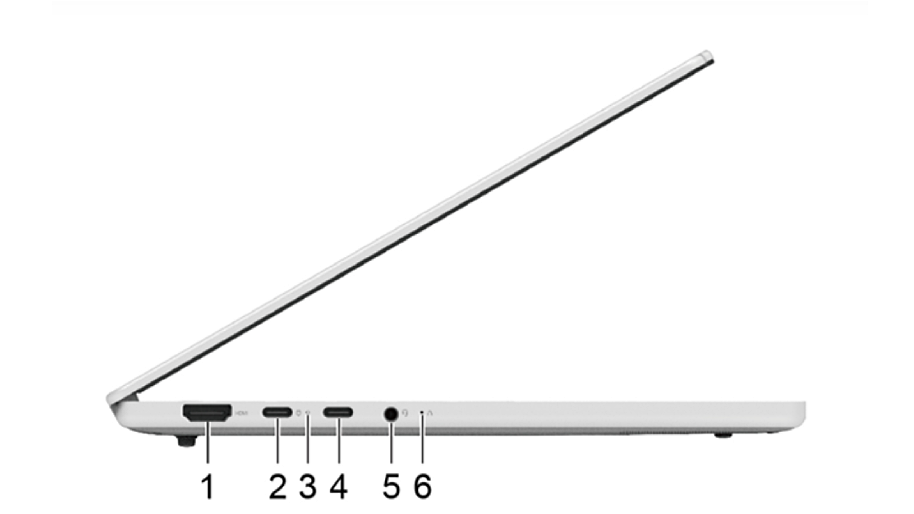
On most models, the button is a small, recessed button or a tiny hole with a curved arrow symbol (resembling an upside-down U). Depending on the model, it is located:
- on the right or left side edge, often next to the power button or the power connector
- on some devices, also directly next to the power button on the top
If you’re searching for it, a look at the user manual or the bottom of the device will help – it’s usually marked there if your model has such a button.
Tip: It’s best to use a paperclip or a thin, blunt object to press it.
How do I use the Novo button correctly?
- Turn off the laptop.
- Press the Novo button using a paperclip.
- The laptop won’t start normally; instead, it opens a menu with several options, e.g.:
- “Normal Startup”
- “BIOS Setup”
- “Boot Menu”
- “System Recovery”
From there, you can specifically choose what you need – such as accessing the BIOS or starting a recovery.
When should you use the Novo button?
- When Windows no longer starts or hangs during boot
- When you need advanced startup options like BIOS access or the boot menu
- In the event of a system error that requires a recovery
- If you want to fix a driver or software problem and use OneKey Recovery
You can also use it to restore a backup image or reset the laptop to its factory settings.
Important to know
- Not every Lenovo device has this button – for example, it’s not found on most All-in-One PCs or Miix tablets.
- In these cases, you can usually reach the recovery menu via the F2 key or corresponding Windows functions.
- The displayed Novo menu items may vary slightly depending on the model and software version.
Conclusion:
The Novo button is a clever helper when your Lenovo laptop is acting up or you want to go directly to the BIOS. With one press of the small button, you can quickly start diagnostics, repair the system, or even completely restore the laptop – without complicated key combinations.
However, if no solution can be found despite the Novo menu or the recovery fails, our Notebook-Doktor workshop is always there for you.
We will check if there is a hardware defect and repair your Lenovo laptop professionally – quickly, transparently, and with the IPC solution promise for maximum security.