
It’s a moment that we in our laptop workshop know all too well – the “Oh No Effect” when unpacking. Again and again, there are unpleasant surprises when our IPC service technicians open sent-in notebooks: Improper packaging causes transport damage that often far exceeds the original defect on the device. In most cases, the sensitive corner areas are affected – and thus several housing parts are damaged at the same time. This could be avoided with a few simple measures. In this blog post, we’ll show you how to properly and safely pack your device for shipping.

Table of Contents
Why is transport damage so common?
The regulation for the packaging of parcels is clear: Parcel services such as DHL, DPD, UPS and Hermes require that each parcel is packed in such a way that it can withstand a drop height of up to 1 meter without damage. This means that the contents and the packaging must be selected and combined in such a way that no damage can occur under normal sorting and transport loads (e.g. automated conveyor belts, sorting systems, stacking).
If the parcel is not packed with sufficient shock, break or pressure resistance, the shipping service providers generally exclude their liability for transport damage. This means that if damage occurs, the service provider first checks whether the packaging met the stated requirements – if not, compensation is usually not granted.
Loose air cushions or cardboard boxes that are too thin do not offer sufficient protection – they slip easily, and the notebook ends up lying directly against the cardboard wall again. This results in pressure marks, breaks and often total damage.
You shouldn’t blindly rely on insurance either: Standard parcel insurance usually only covers up to €550 – significantly less than the value of a notebook.
IPC Computer therefore insures its own shipments up to €1500 against transport damage in order to optimally protect devices during shipping.
Exemplary laptop transport damage from practice - often simply packed incorrectly with little padding
We have documented numerous examples from real submissions in our workshop:
- Left and center: Corner breaks and warped housings due to missing padding.
- Top right: Too few or slipped air cushions.
- Bottom right: Two notebooks in one package – an absolute insurance and packaging error.
Common to all: The damage was caused by packaging that was too careless!
Preparation - pack the device cleanly and safely
Before you pack your notebook:
- Shut down the device completely (no standby).
- Remove all cables, memory cards and USB sticks.
- Protect the display: A soft microfiber cloth prevents scratches and pressure marks between the keyboard and screen.
The right box and the best padding
The notebook must be padded all around – especially the corners!
- Use bubble wrap, foam, or even better, polystyrene molded parts that completely enclose the device.
- The notebook must not have any room to move around in the box.
- The heavier the device, the more stable the packaging should be – because higher forces act when it falls.
- Never pack two notebooks together! This not only leads to damage, but also to the loss of insurance cover.
Packaging processes at IPC-Computer for displays and spare parts
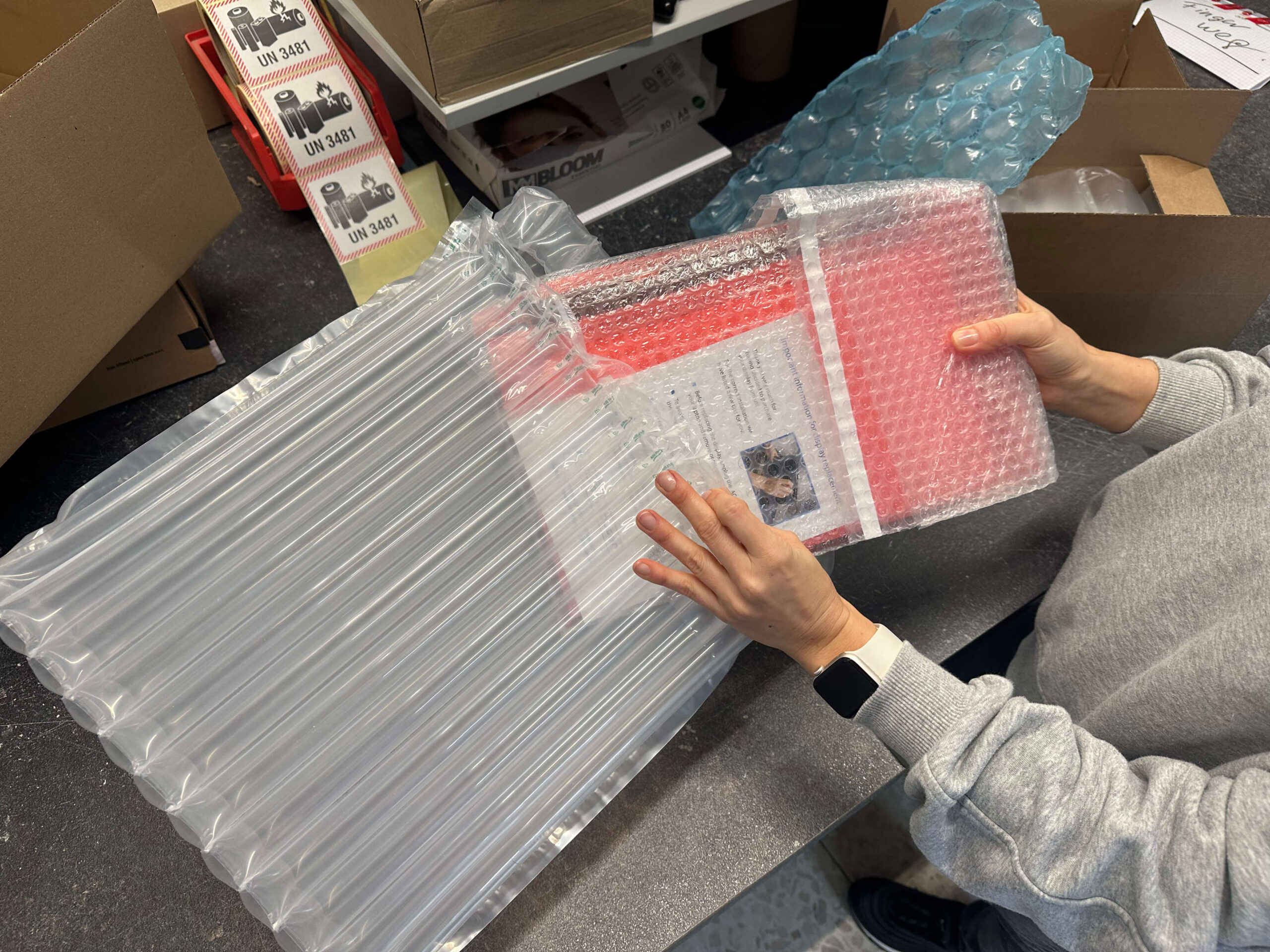
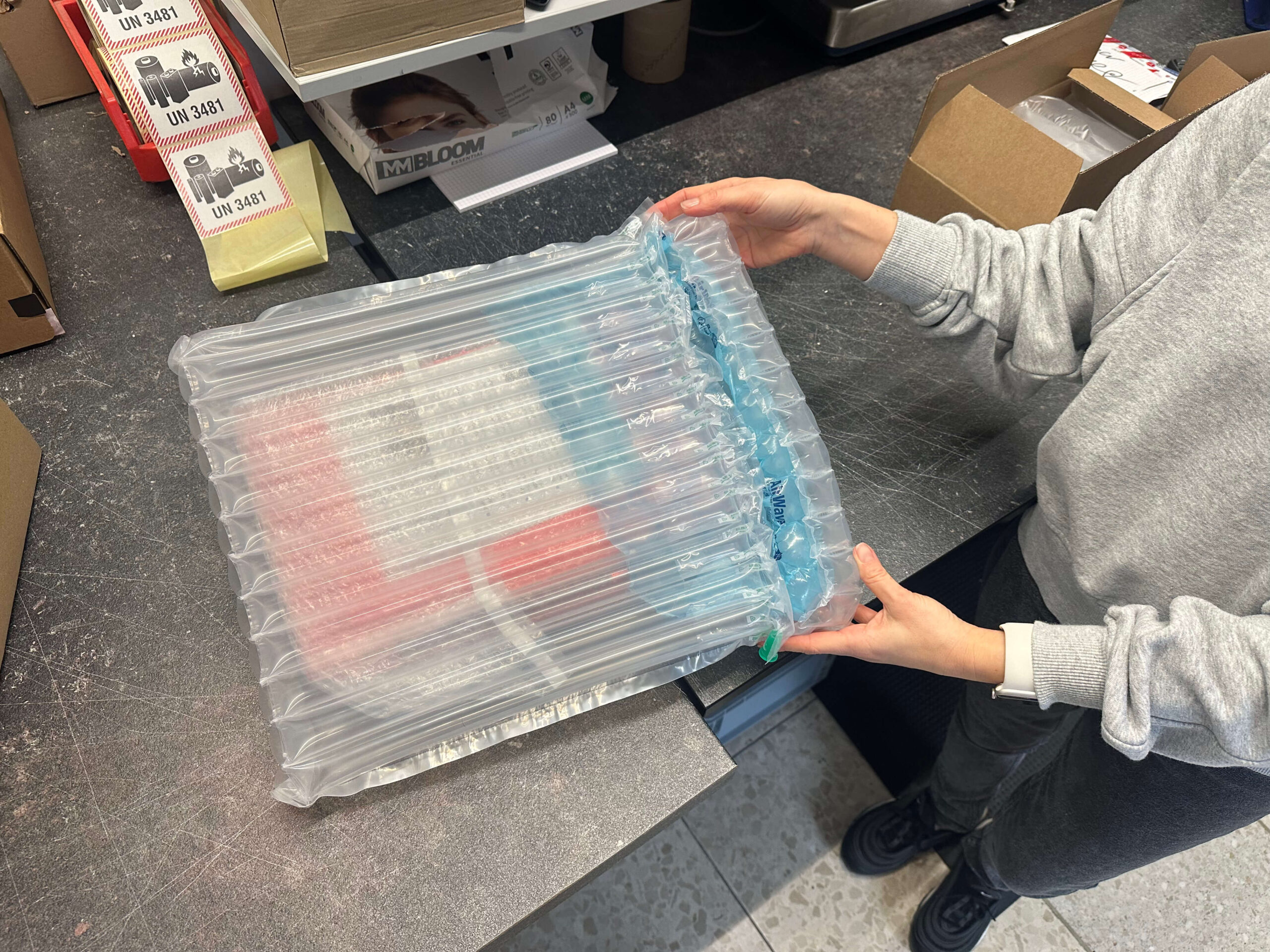
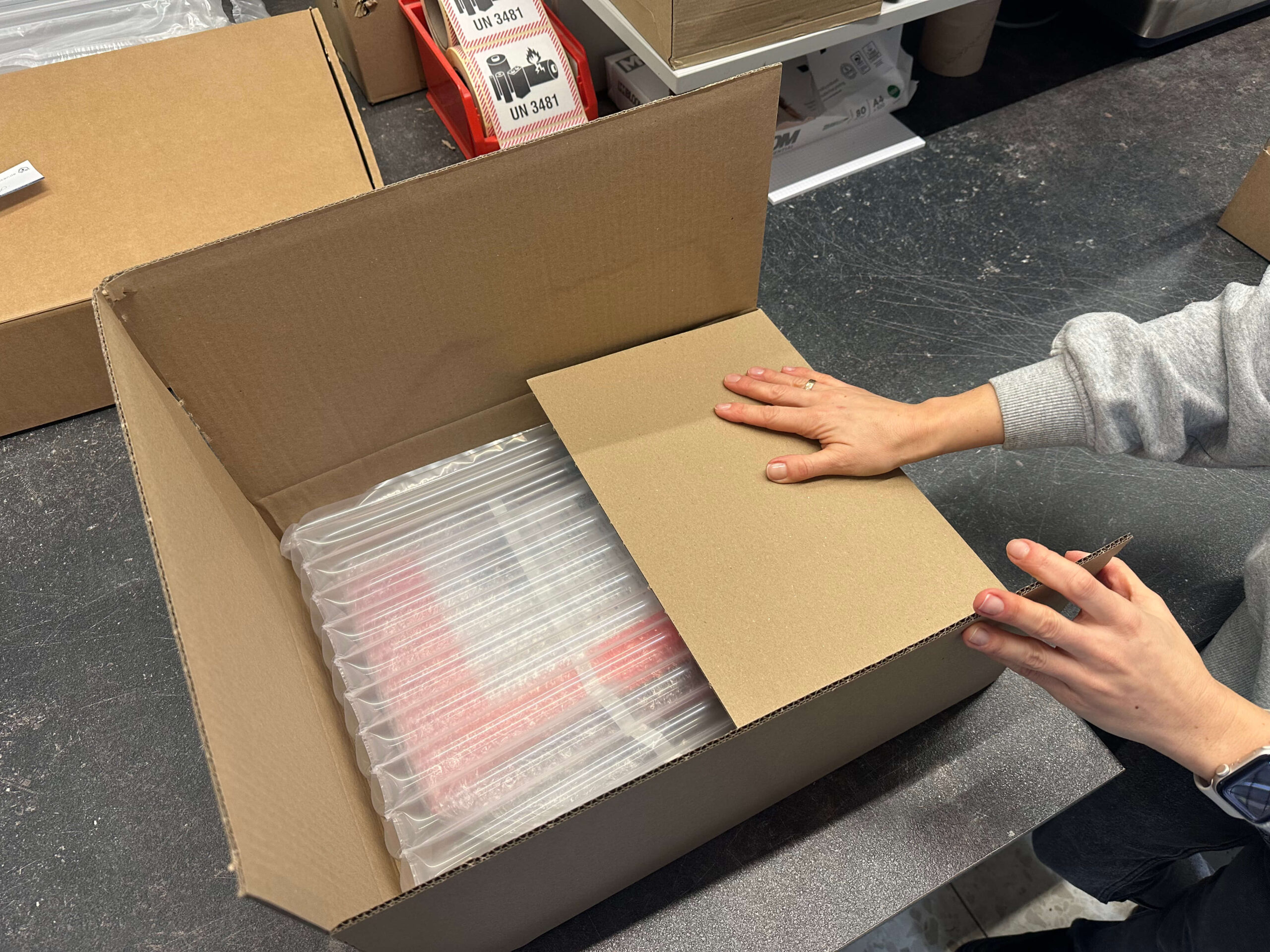

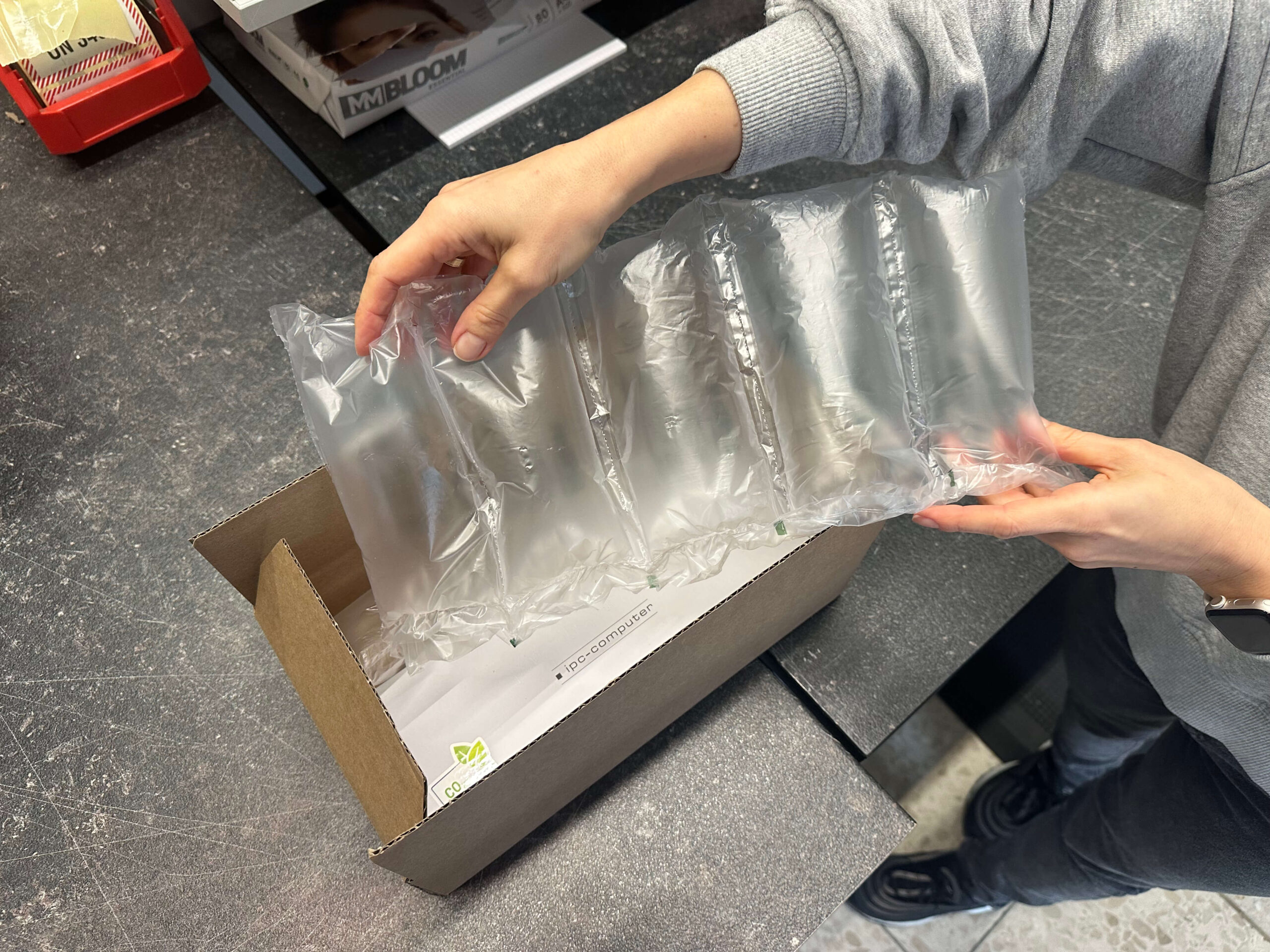
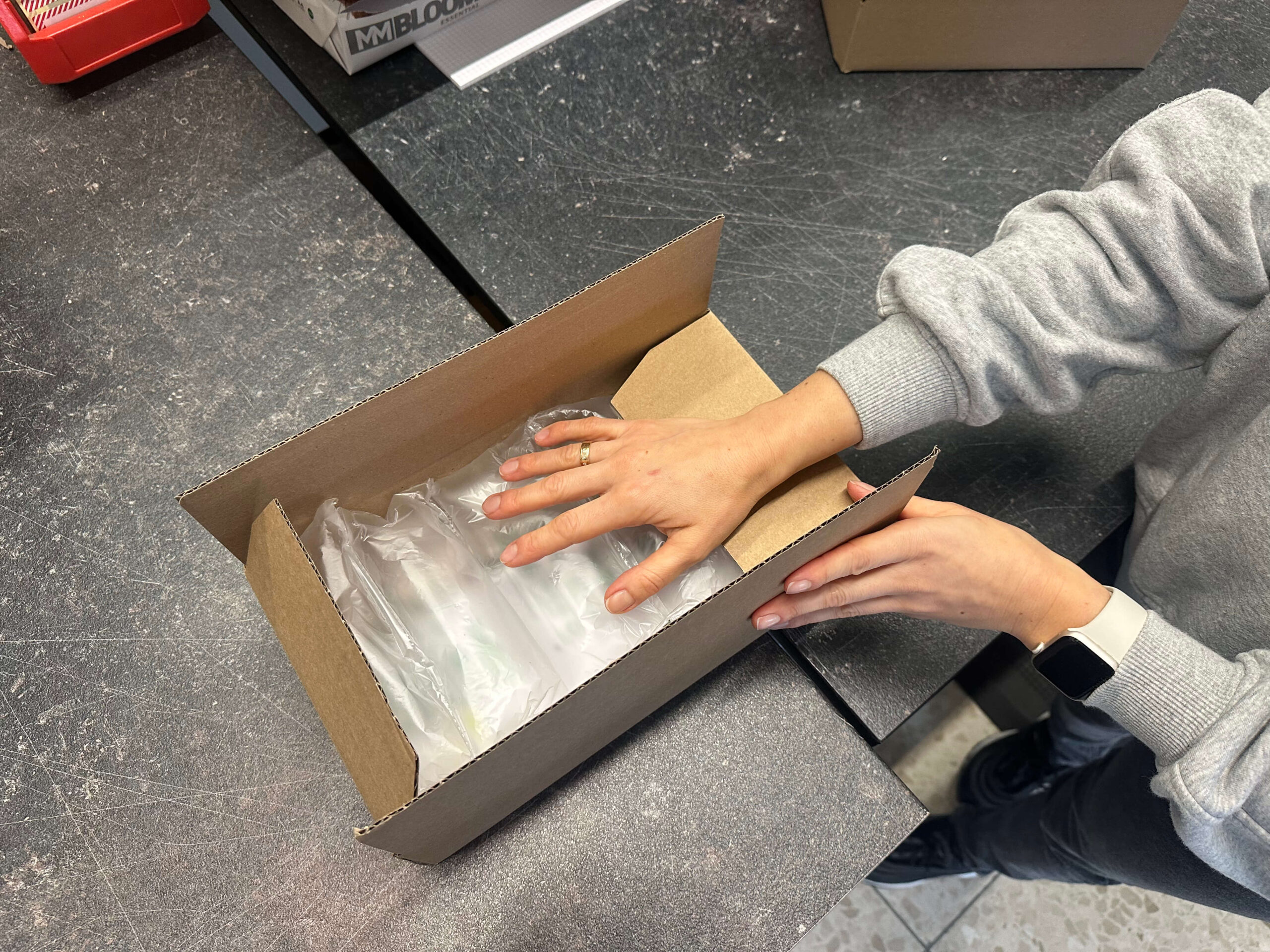
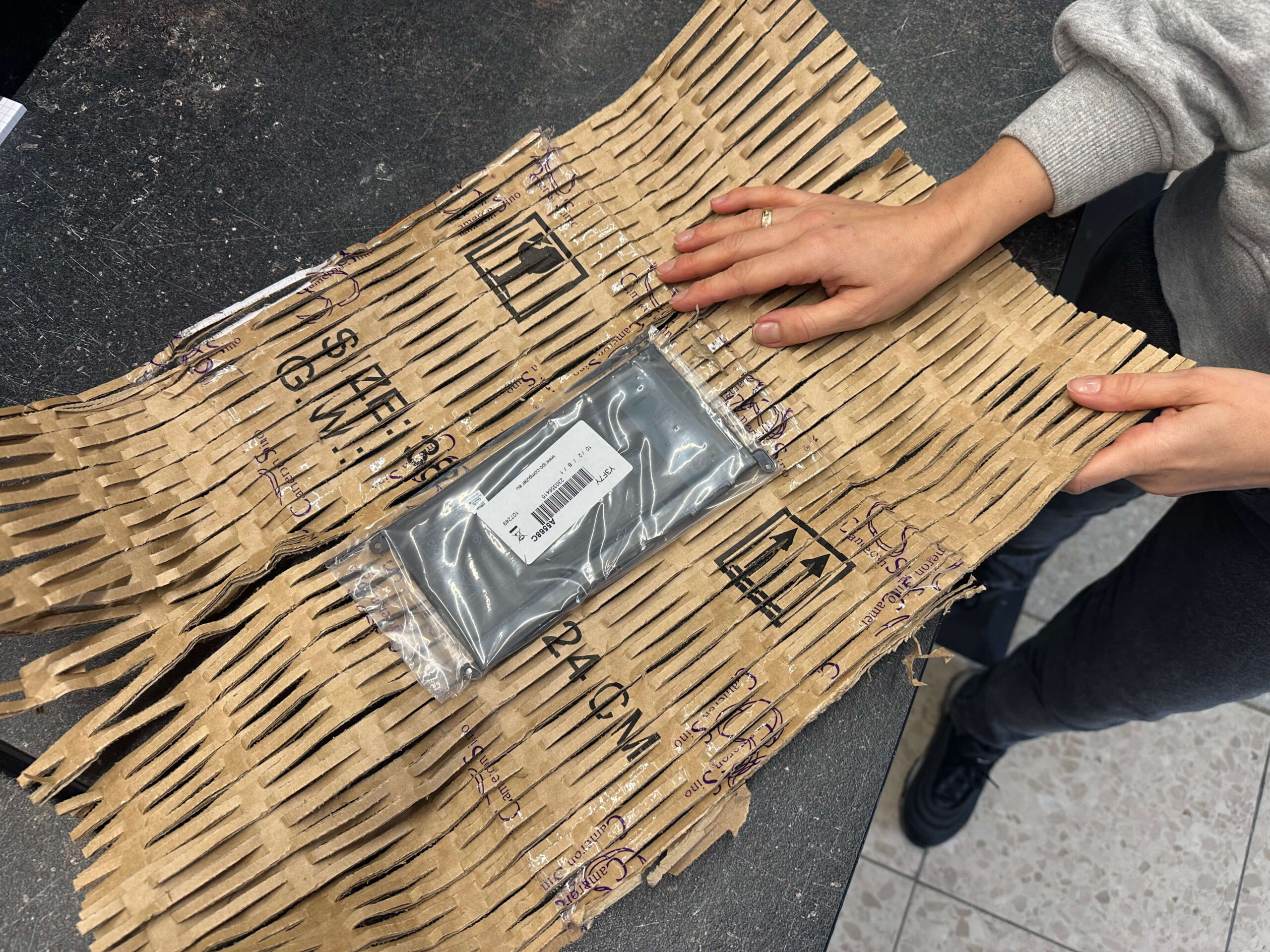
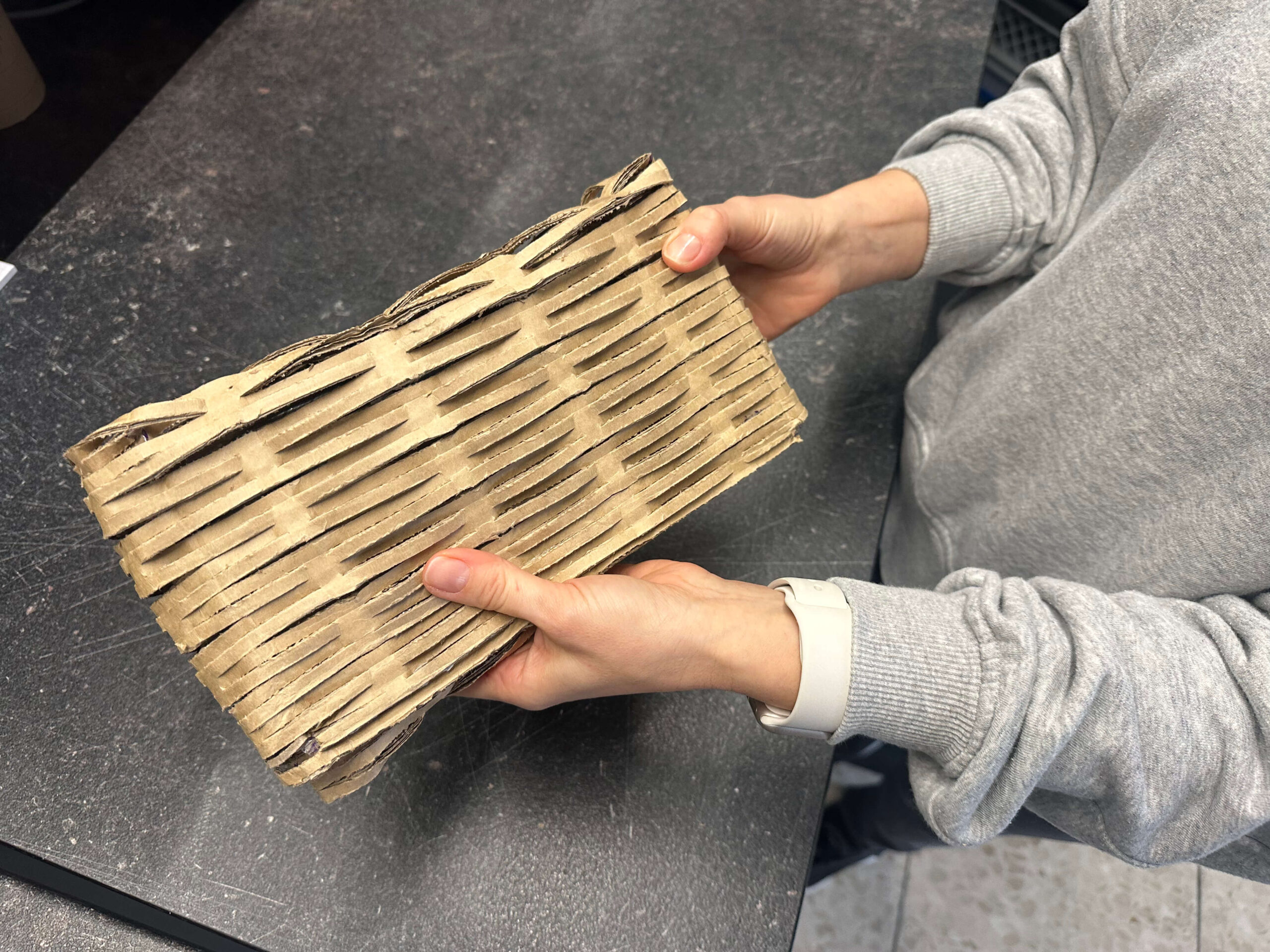
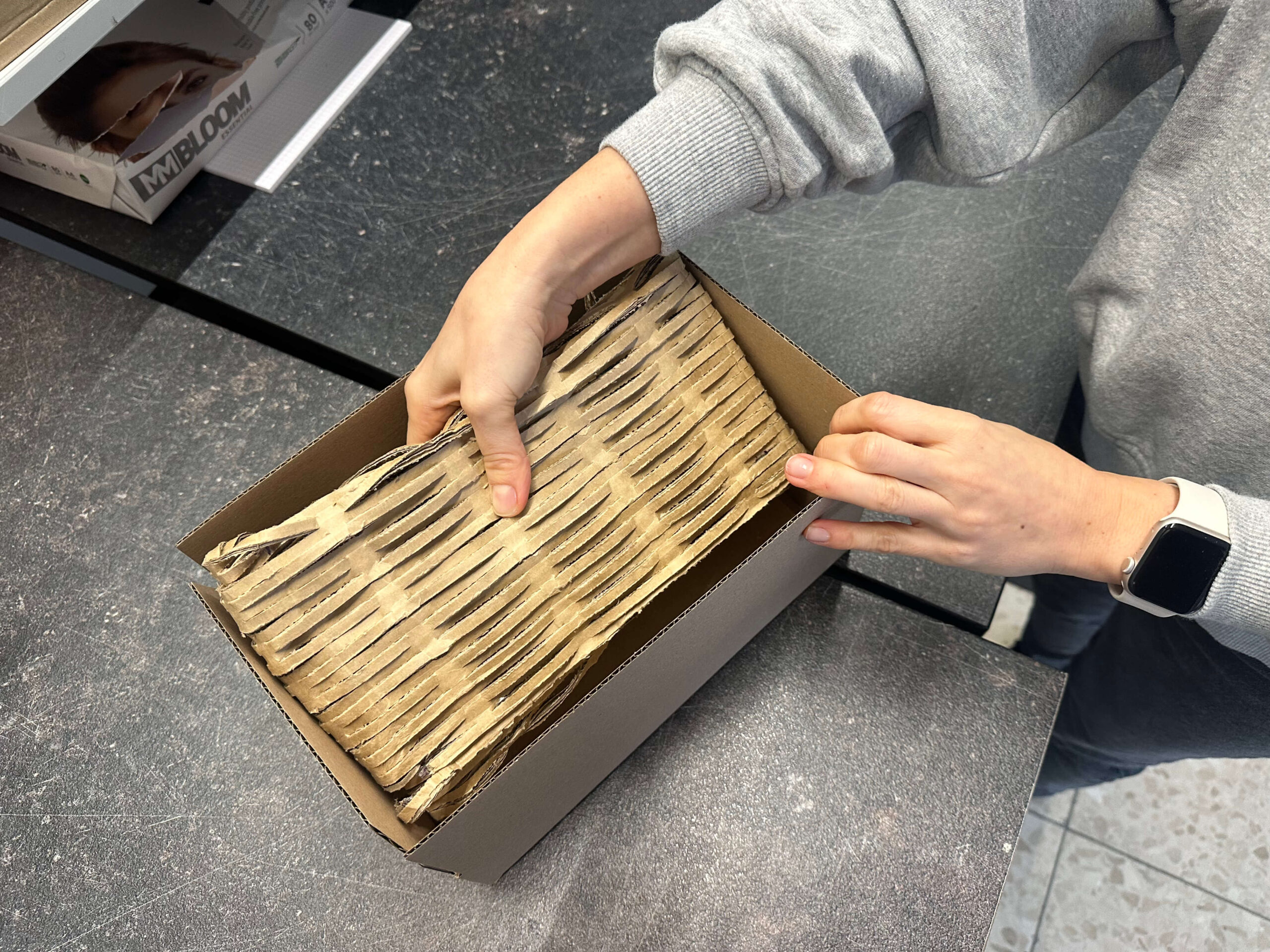
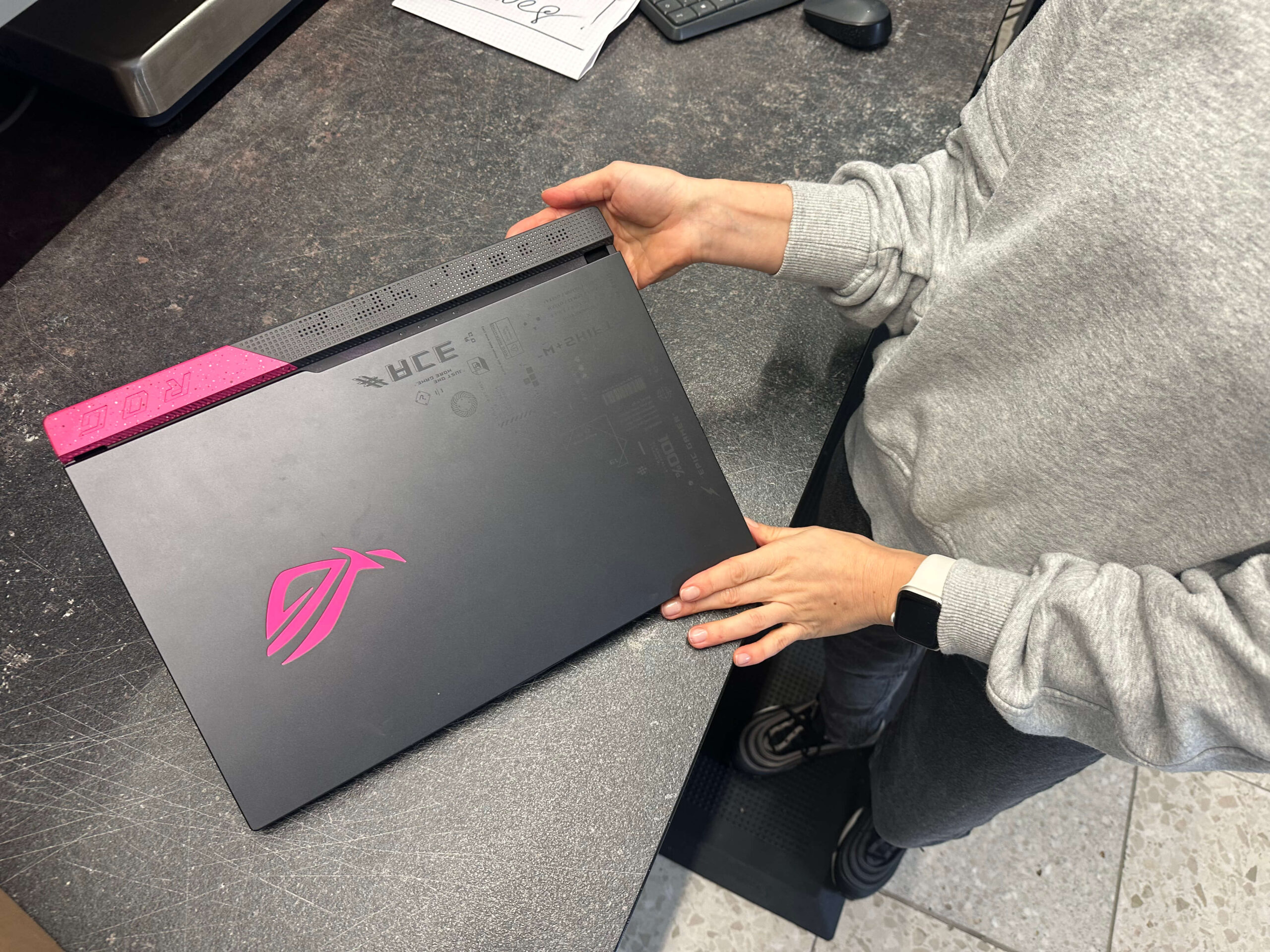
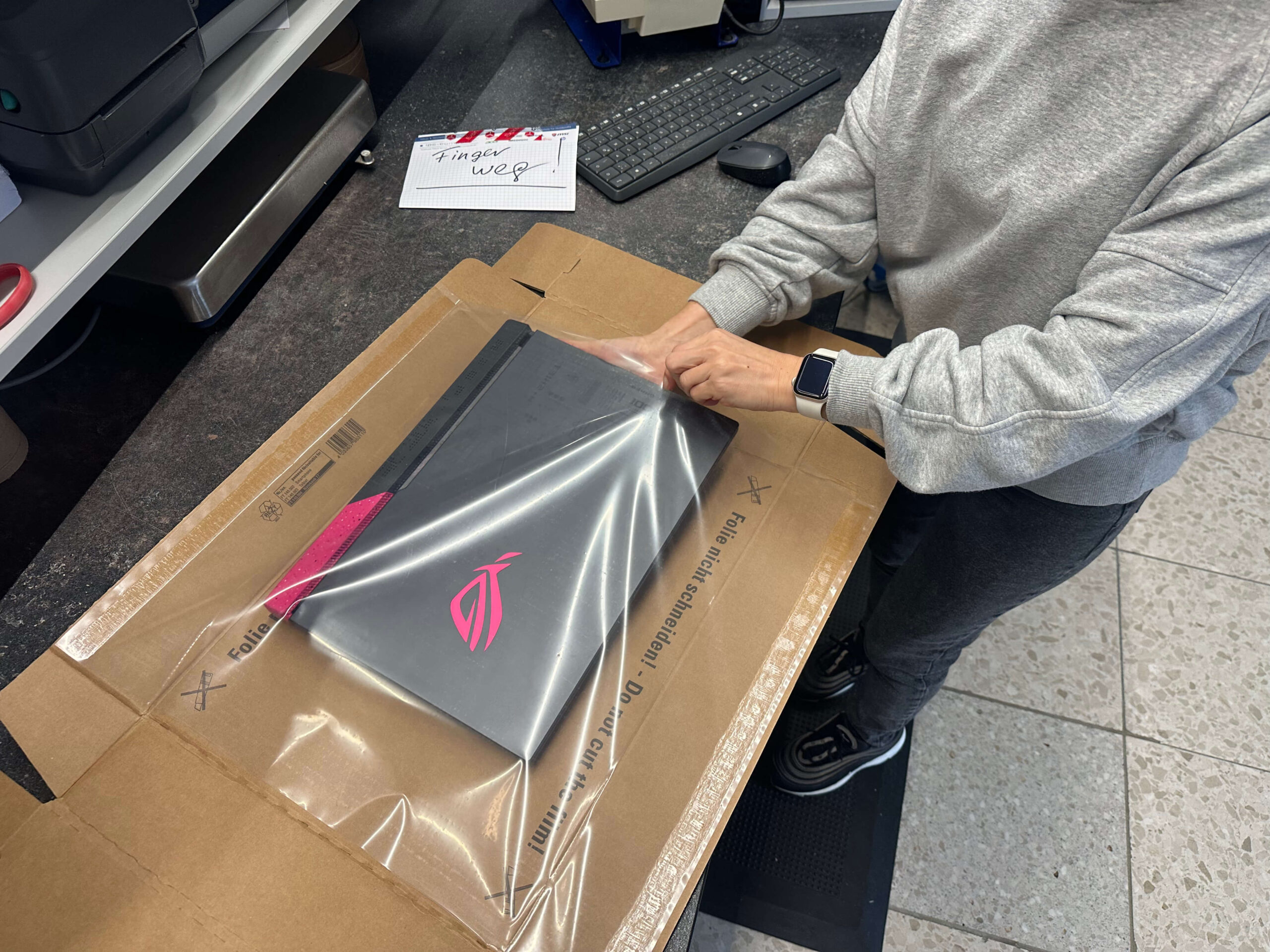
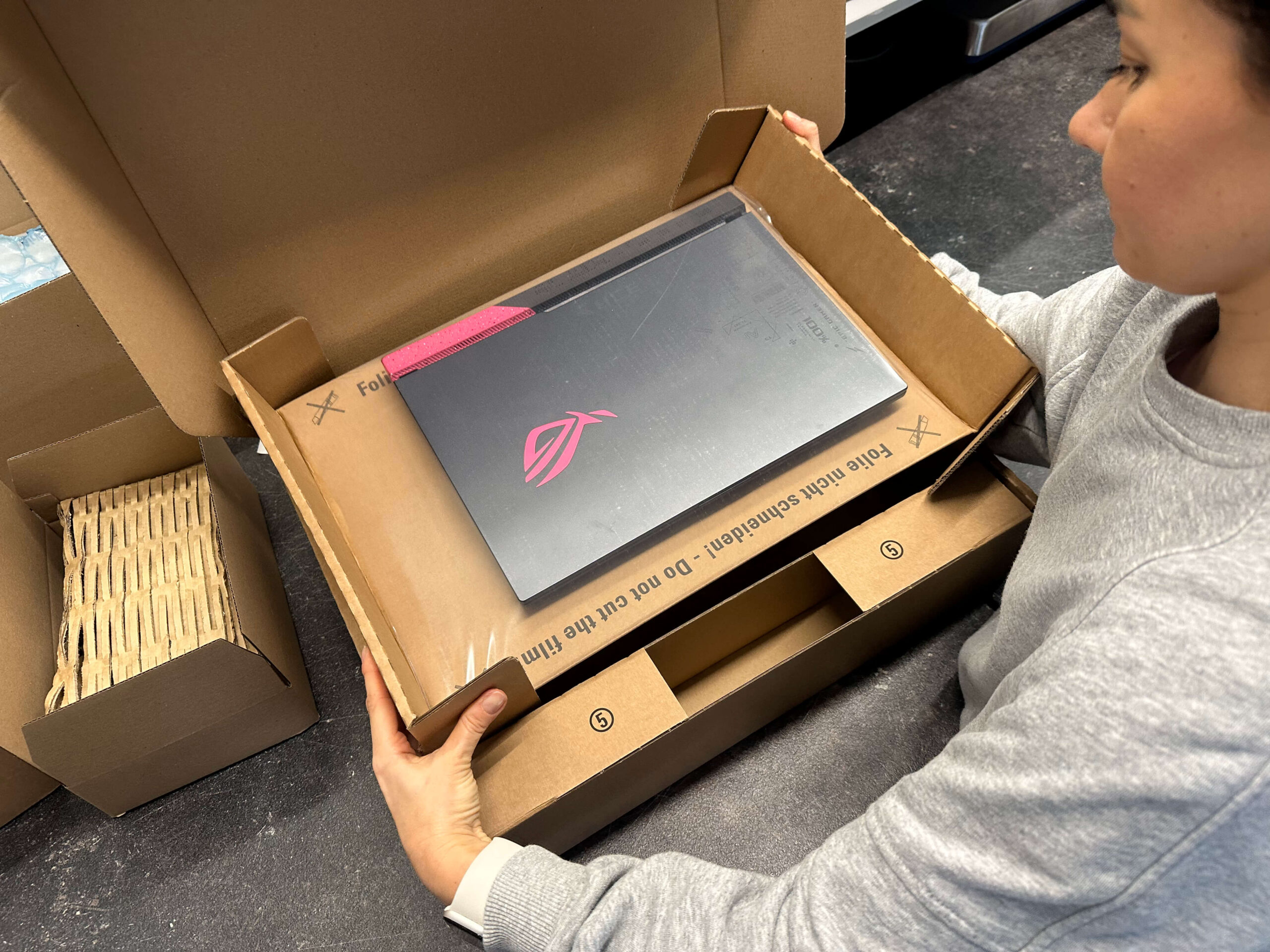
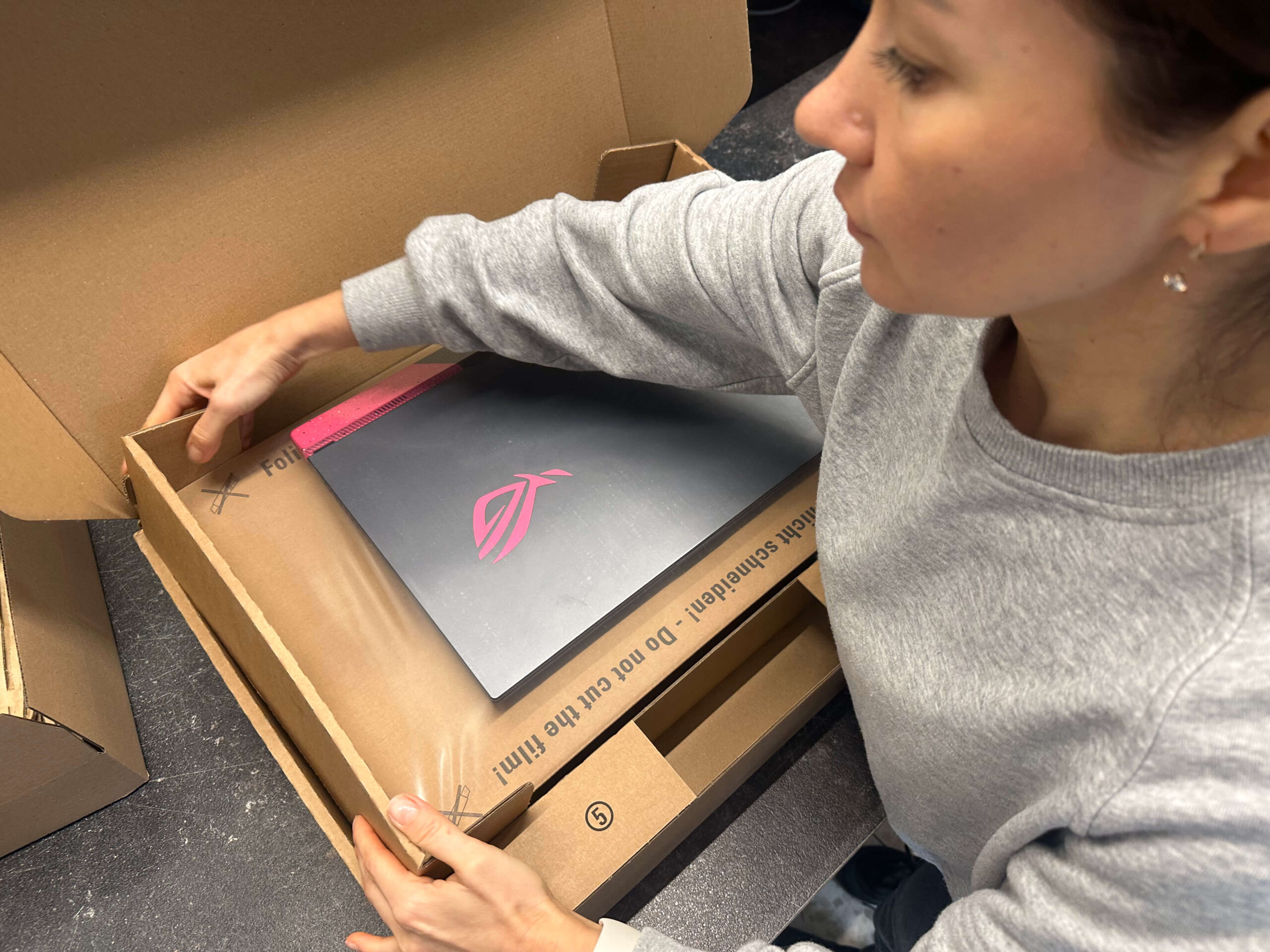
Why shipping only in the original packaging is not ideal.
Many people think that the original boxes are the safest solution – but this is only partially true. These packagings are usually designed for pallet shipping from the manufacturer (e.g. from China to Europe).
For individual shipments, the protective layer of the collective packaging is often missing.
Therefore:
- The original packaging alone is not enough – it must also be repackaged and padded to compensate for impacts and drops.
Officially approved notebook packaging
The safest are officially tested notebook packaging boxes that meet the requirements of the parcel service providers. They even increase the chances that a possible transport damage will be recognized. Such packaging is universally available up to 17 inch notebook size.
Practical tip:
- Styrofoam molded parts from monitors are also very suitable if they completely enclose the notebook.
- If you don’t have a suitable box, you can order it directly from us, e.g. the notebook packaging 400 x 300 x 50 mm.
Our notebook packaging 400 × 300 × 50 mm in the IPC-Computer shop
This stable special packaging was specially developed for shipping laptops.
Accessories and inner packaging
- Always pack accessories such as power supplies or cables separately in foil or small boxes.
- An inner box for the notebook is ideal, which is additionally placed in a larger, padded box – this provides double protection for the device.
Close and label the box
- Securely glue several times with strong parcel tape.
- Clearly label: “Caution – sensitive electronics”, “Do not throw”.
- Remove old labels completely.
Conclusion
Transport damage is avoidable – with a little preparation and the right packaging.
Stick to the basic rules: sufficient padding, stable outer packaging, separately packed accessories.
The original packaging alone is not sufficient, as it is not designed for individual shipping.
And if you don’t have suitable packaging at hand, simply order an approved notebook packaging directly from IPC-Computer – so that your device arrives safely, undamaged and insured.