
This week we handled a particularly challenging case in our workshop. A customer sent us two HP Spectre Folio 13-ak0700 devices at once – one defective, the other as a parts donor. The goal was: “Make one out of two”. Good idea – but the execution requires delicate micro-soldering work.

Table of Contents
Customer's fault description
“Battery connection and camera connection to the mainboard defective, display frame bent and broken. I have a second device for parts – but without a mainboard.”
As soon as we opened the main device, it became clear that a DIY attempt had preceded this. Both the large battery connector and the small camera connector had been torn off the mainboard during removal. Especially on the HP Spectre Folio, these connectors are extremely delicate, and even minimal leverage or too much force can cause them to detach from the board along with their traces.
Diagnosis and Repair
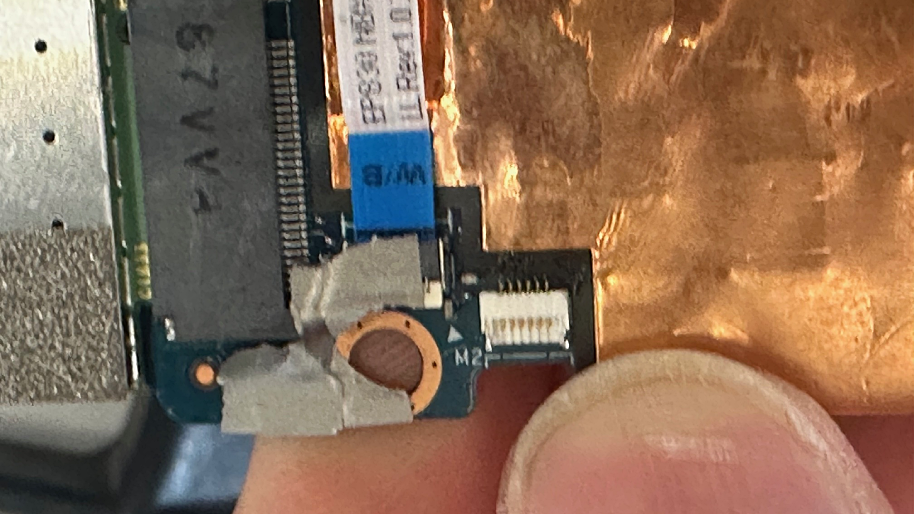
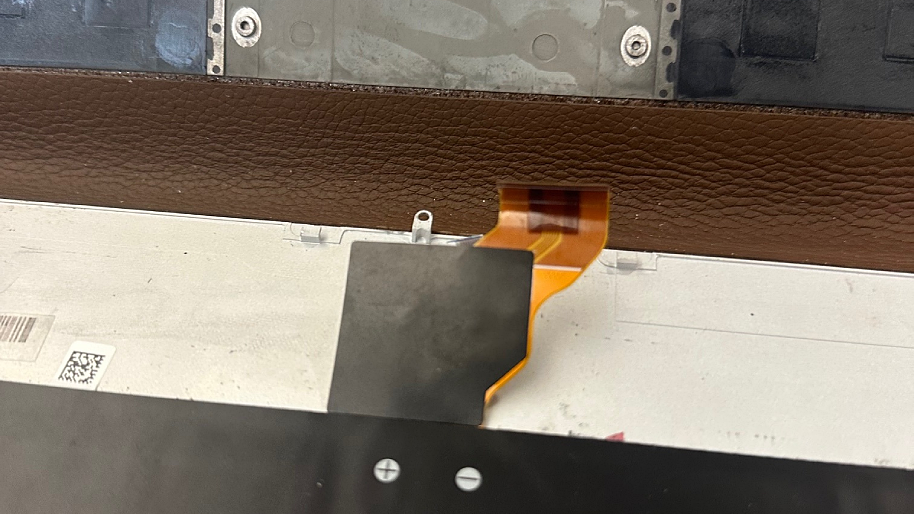
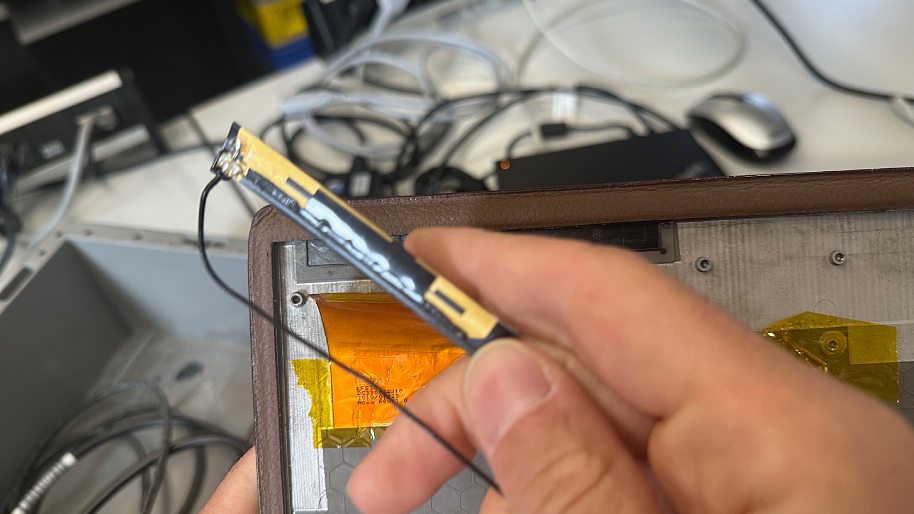
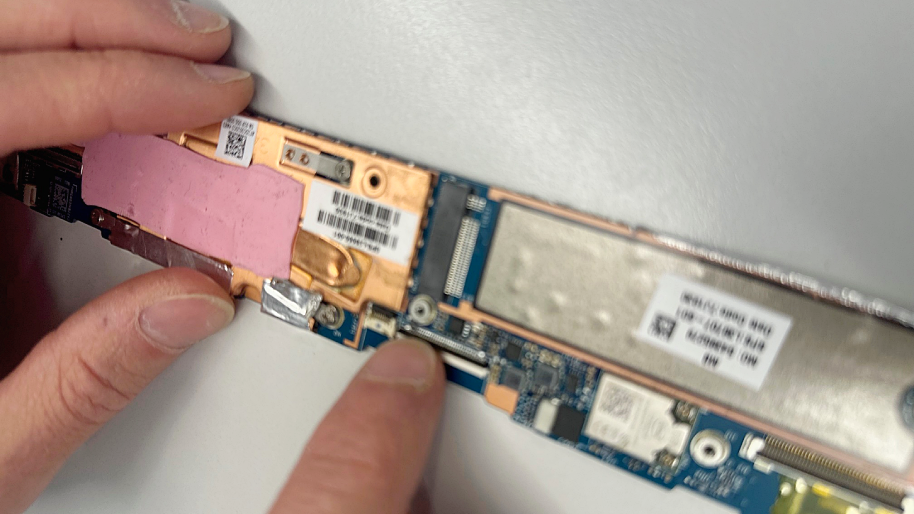
The good news: Both connectors were not completely destroyed, but merely torn off the mainboard with their solder pads. This made targeted rework under the microscope possible.
Such repairs require very experienced hands, as the connectors are tiny and very sensitive. A very fine soldering tip (under 0.2 mm), high-quality flux, precisely controlled temperature regulation, and above all a lot of finesse are needed. Only this way can additional damage to traces or pads be prevented.
Work steps:
- Cleaning and visual inspection of the damaged areas
- Reconstruction of missing pads or traces using fine wire bridges
- Precise alignment and soldering of the connectors under the microscope
- Checking contact resistances and signal connections
- Functional testing of battery charging, camera, and overall system
After successful soldering work, we were able to transfer the components from the parts donor device to the repaired mainboard and completely reassemble the notebook.
What were the special features of this case?
- Two nearly identical devices were sent in
- Both devices were analyzed and sensibly combined
- Result: One fully functional notebook from two defective devices
Work on the battery or delicate connectors should only be done by professionals; incorrect handling or improper heating causes irreparable damage. The customer did exactly the right thing by sending both devices. Through the combination of parts and professional micro-soldering work, we were able to restore a fully functional device.
What are typical symptoms of a damaged battery connector?
- Battery not recognized (“Battery not detected”) or not charging
- Sudden shutdowns, incorrect charge level display
- Start only possible with power adapter
- In severe cases: short circuit, heat development, consequential damage
7 Quick Practical Tips if You Want to Replace the Battery Yourself
- Disconnect power adapter, then disconnect battery – always in this order.
- Don’t pull on the cable, only work on the connector and support the port.
- Gently heat adhesive beforehand, minimize pulling forces.
- Use plastic levers/spudgers instead of metal tools.
- Follow ESD protection (grounding/wrist strap).
- Check service manual/model guide, allow sufficient time.
- If something is stuck: Stop. Every further attempt increases the risk of tearing off pads.
Conclusion
This repair clearly shows that precise work, expertise in micro-soldering technology, and the use of appropriate tools are crucial for success. A torn battery or camera connector doesn’t have to be a total loss if it’s professionally repaired.
If you have a similar problem with your HP Spectre or another notebook, you can send your device directly to our workshop. We’ll carefully examine it and repair it professionally. It’s worth it!
Here are answers to the most important questions
Can a torn battery connector on the mainboard actually be repaired?
Yes, in many cases a torn connector can be repaired, as long as the traces or pads are not completely destroyed. With micro-soldering technology under a stereo microscope, the contacts can be precisely reworked and securely soldered again.
What happens if traces were damaged during a DIY attempt?
If traces have been torn from the board, they can usually be restored using fine wire bridges. However, such work is very demanding and should only be performed by experienced electronics technicians to avoid consequential damage.
Will I lose my data during the repair?
No, a battery replacement does not affect your data. For board repairs, we still recommend a current backup. Bring the device turned off and without power adapter if possible.
Can you replace the battery on the HP Spectre Folio yourself?
We advise against it. The housing is very compact, the connections are sensitive, and the risk of damaging connectors or traces is high. Anyone wanting to replace the battery should send the notebook to a professional workshop instead – this also ensures electrical safety.
What to do if the connector is already damaged?
Shut down immediately, disconnect power adapter, don’t reconnect battery. Don’t try anything else. Secure screws/parts and send for diagnosis – this way you avoid consequential damage.
How long does such a repair take in the workshop?
Depending on the extent of damage, diagnosis and soldering work typically takes about 5 business days. In more complicated cases or when replacement parts are required, we inform our customers promptly about the expected processing time.
Where can I order an HP battery?
Right here in our shop! You’ll find all common HP batteries at affordable prices.