
A bluescreen after a laptop drop is one of the most common damage scenarios, which can seem harmless at first glance – but actually has deeper causes. In this repair of the week, we show how such a case was investigated and resolved in our workshop.
A customer from Ober-Ramstadt brought his Acer Aspire 5 (A515-57G) with the following error description:
“After the device was dropped, a bluescreen now appears after Windows starts. Data was backed up, reinstallation performed – same result. Please provide feedback if costs are higher.”
The laptop showed sporadic bluescreens – sometimes immediately after startup, sometimes only during operation. Externally, the laptop was undamaged.

Table of Contents
What symptoms did the laptop have after the laptop drop?
As the customer reported, the device had been behaving unusually since the drop:
- The startup process took longer, fans briefly spun up loudly.
- The Wi-Fi connection occasionally dropped or disappeared completely.
- Windows reported: “unexpected error” and regularly showed a Blue Screen of Death (BSOD) with an error code.
Such symptoms are classic signs of damage to internal plug connections or modules caused by a laptop drop.
Why can bluescreens occur after a laptop drop?
Error analysis – Typical causes for bluescreens after physical impact are:
- Contact problems due to vibration (RAM, SSD, Wi-Fi card)
- Micro-cracks in circuit traces or modules
- Defective plug connections
- Hardware defects where Windows crashes due to faulty device communication
This hypothesis was confirmed in this case!
What diagnosis was made in our workshop?
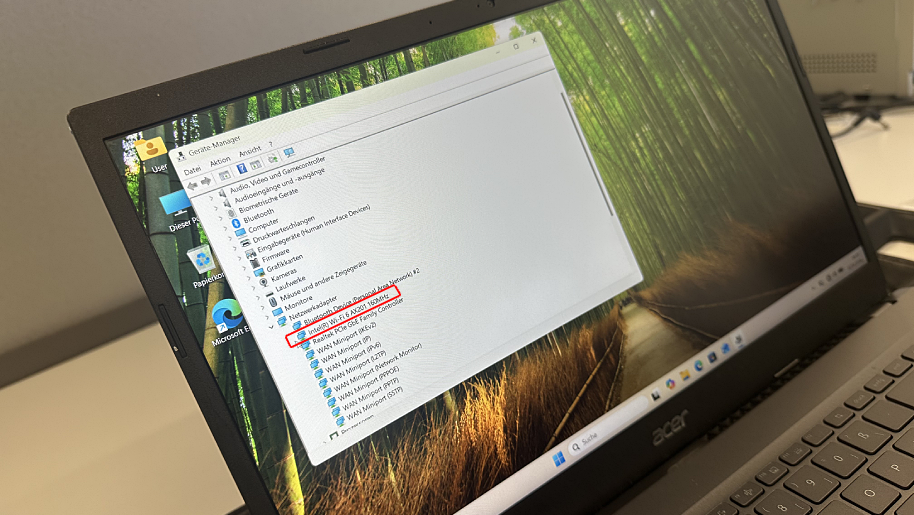
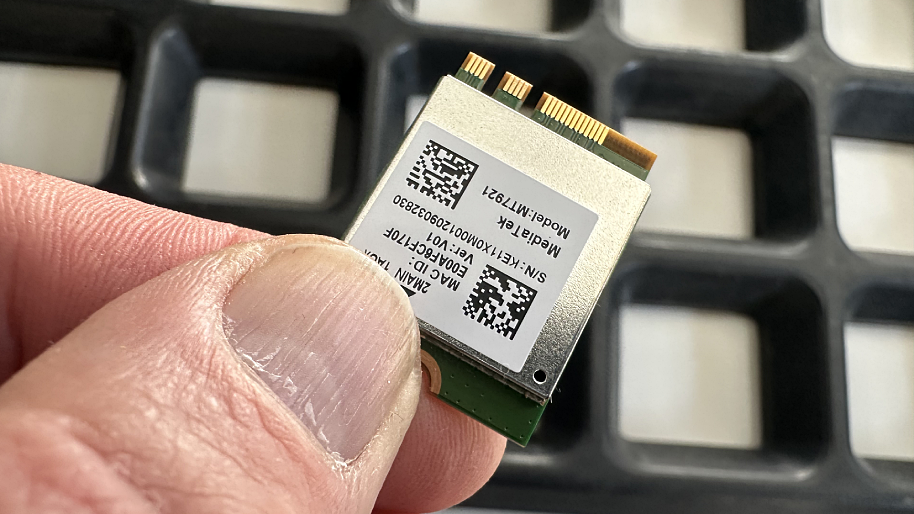
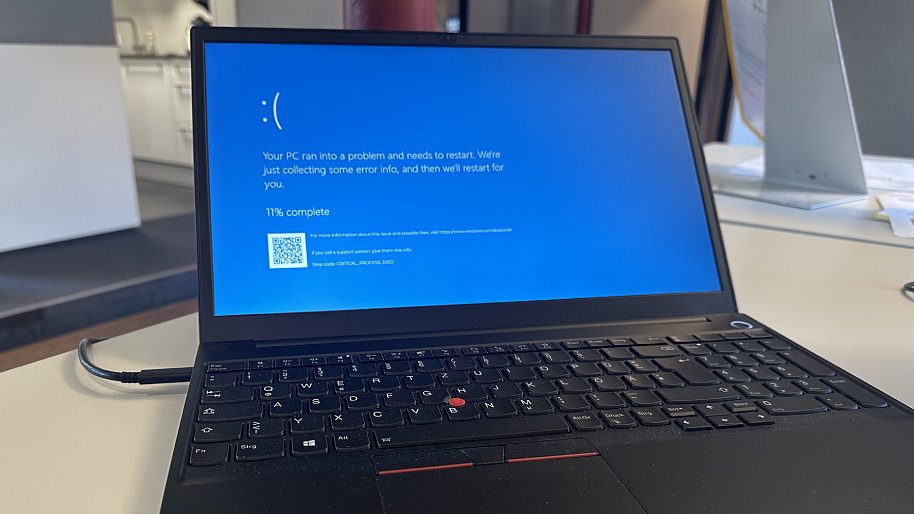
After opening the device, SSD, RAM, and battery were first checked – an important standard step in troubleshooting after a laptop drop. All components were intact. It was unusual that there was no visible drop damage to the casing.
However, in the Device Manager, our technician noticed: The Wi-Fi card was marked with a yellow exclamation mark. A driver reinstallation did not improve the situation.
Only replacing the Wi-Fi module eliminated the error message – the device worked stably, no more bluescreens. After several hours of stress testing, no further crashes occurred.
What insights were gained for future cases?
For years, testing pluggable components such as RAM, SSD, and battery has been among the first steps in hardware diagnostics. However, the fact that even a defective Wi-Fi card can trigger bluescreens after a laptop drop is a valuable new experience from this case.
This insight will immediately be incorporated into our diagnostic routine for drop damage: even small modules will now be specifically checked to identify unstable systems more quickly.
Here is the repair overview
- Device: Acer Aspire 5 (A515-57G)
- Symptom: Bluescreen after laptop drop, irregular Wi-Fi connection
- Cause: Defective Wi-Fi card
- Solution: Replacement of the Wi-Fi module
- Result: No more bluescreens, system stable
Conclusion
A bluescreen after a laptop drop is often more than just a software error. Even visually undamaged devices can have internal damage to expansion cards or contacts. In this case, the Wi-Fi module was the cause – a component that was rarely suspected before, but can reliably explain bluescreens.
The case shows how important systematic diagnosis after drop damage is to prevent subsequent problems and make devices fully functional again.
Repair at Notebook-Doktor
Does your laptop need a repair? In the IPC-Computer workshop, we check for cost-effective solutions and fix your problem quickly, professionally, and affordably. We guarantee there’s always a solution. Register your device today via the repair registration!