
For many, a gaming laptop is an important companion for gaming, streaming, or creative work. If it suddenly can no longer be reliably charged, this significantly limits enjoyment and productivity. In this post, we explain why a defective power supply or a damaged charging port causes such problems with the Gigabyte AORUS 17G YD.

Table of Contents
Customer's fault description
“About a year ago, we had the charging port of the aforementioned laptop repaired by you. After that, the laptop worked perfectly again. However, since we unfortunately used no original power supply for the laptop, we suspect the port may now be damaged again.
The laptop won’t charge again. At first, we suspected the power supply was also defective and ordered another one. For a short time, about one or two days, the laptop charged again. But now it’s not charging at all, which is why we are unsure what exactly the problem is and whether it’s the port again or the power supply.
We made sure that every specification of the new power supply matched. However, it came from China, which is why we are now unsure and it’s possible that the port was damaged again because of it.
Therefore, we would like to have the laptop checked by you again and, if available, order a suitable power supply at the same time.”
Our technician's diagnosis
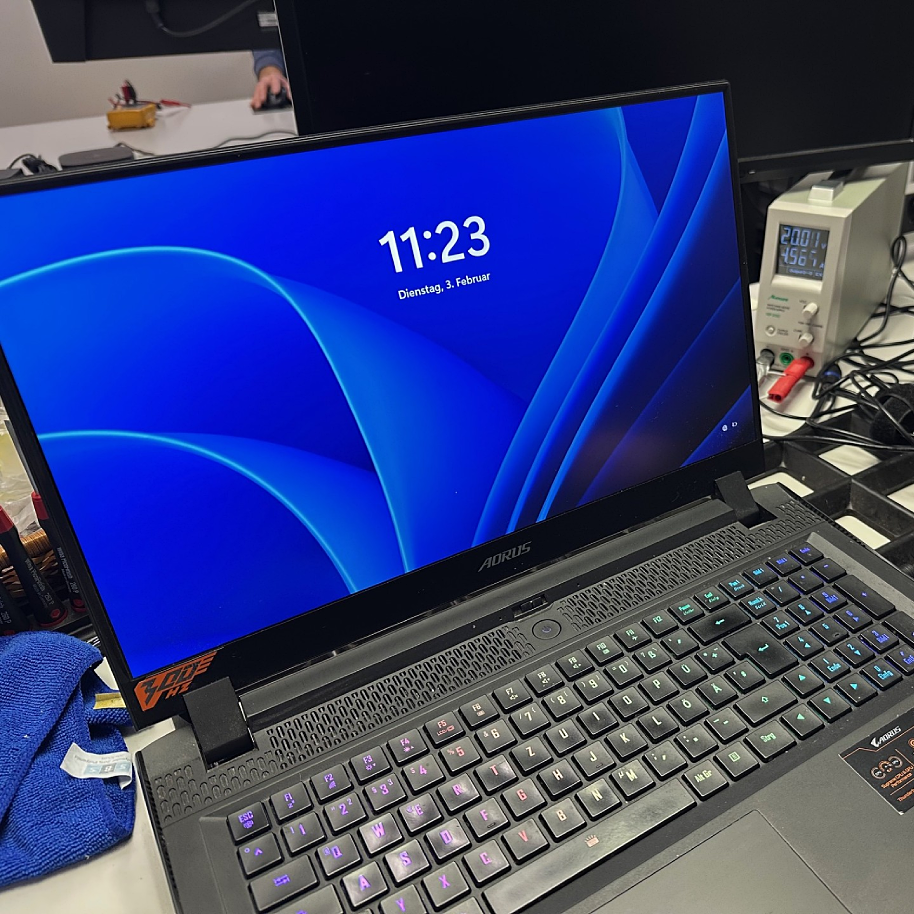
The Gigabyte AORUS 17G YD did not turn on with the supplied power supply. The function LED on the power supply remained off, and the laptop showed no reaction after being switched on.
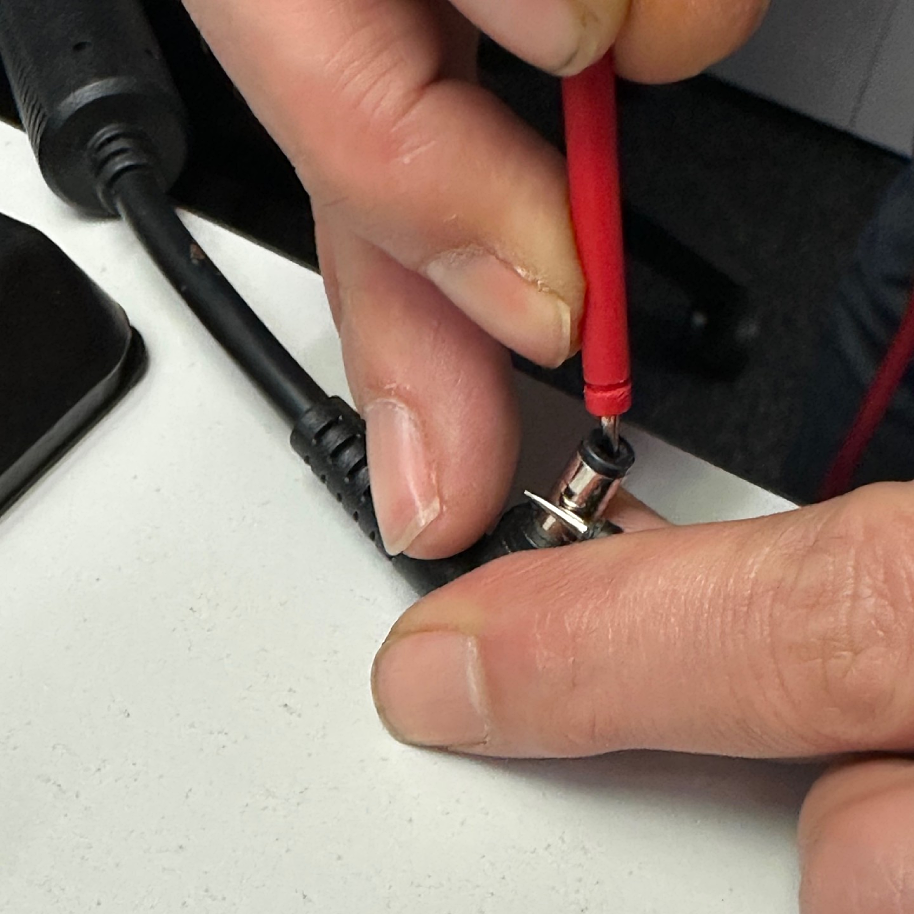
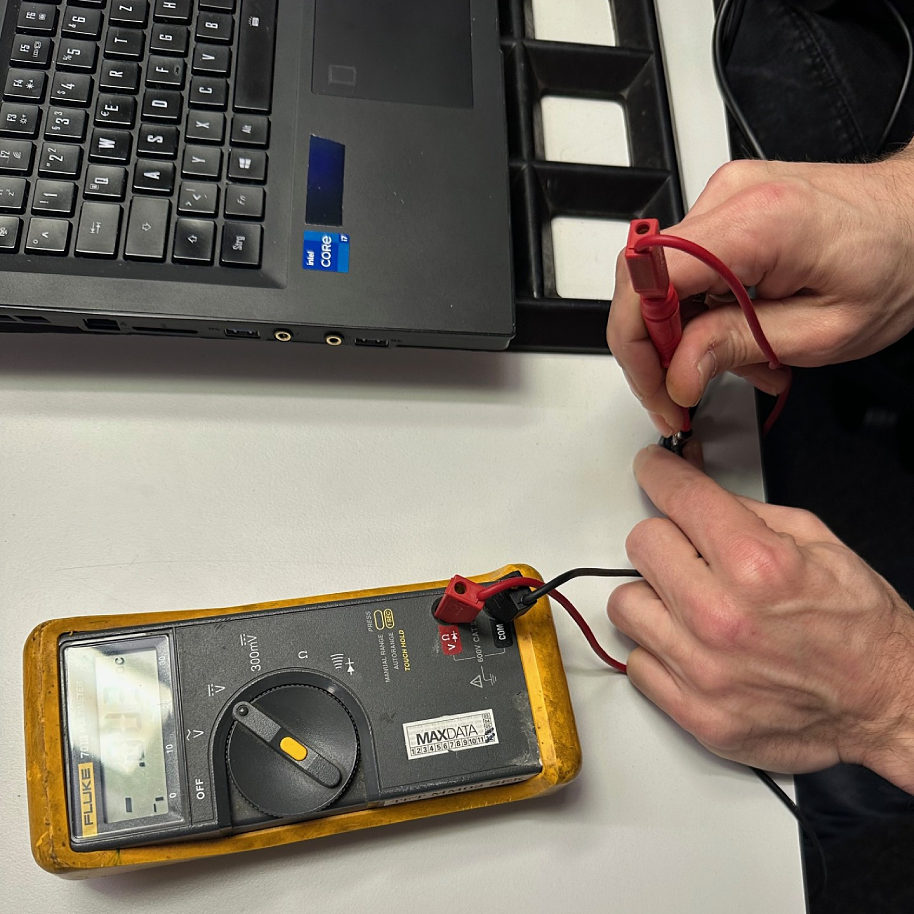
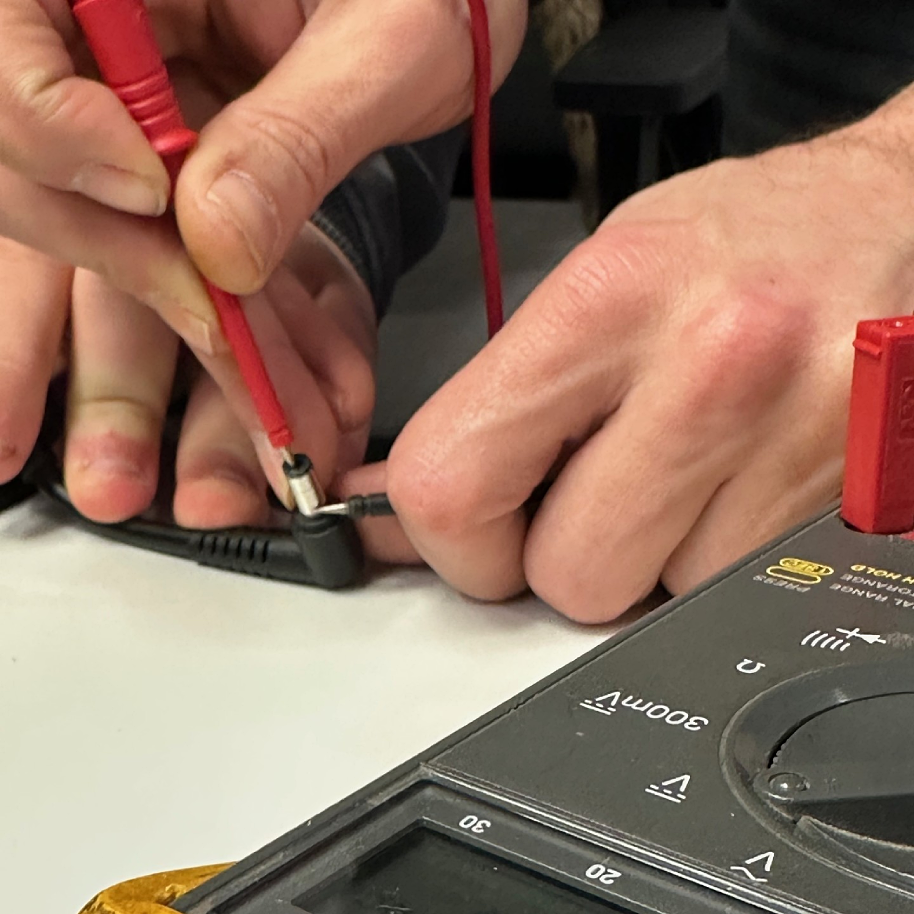
In our workshop, the supplied power supply was first subjected to a standard measurement. A multimeter was used for this:
- The black test lead was placed on the outside of the power supply plug,
- the red test lead inside the plug.
The result: No current flowed.
Thus, it was clear – the power supply was no longer providing voltage.
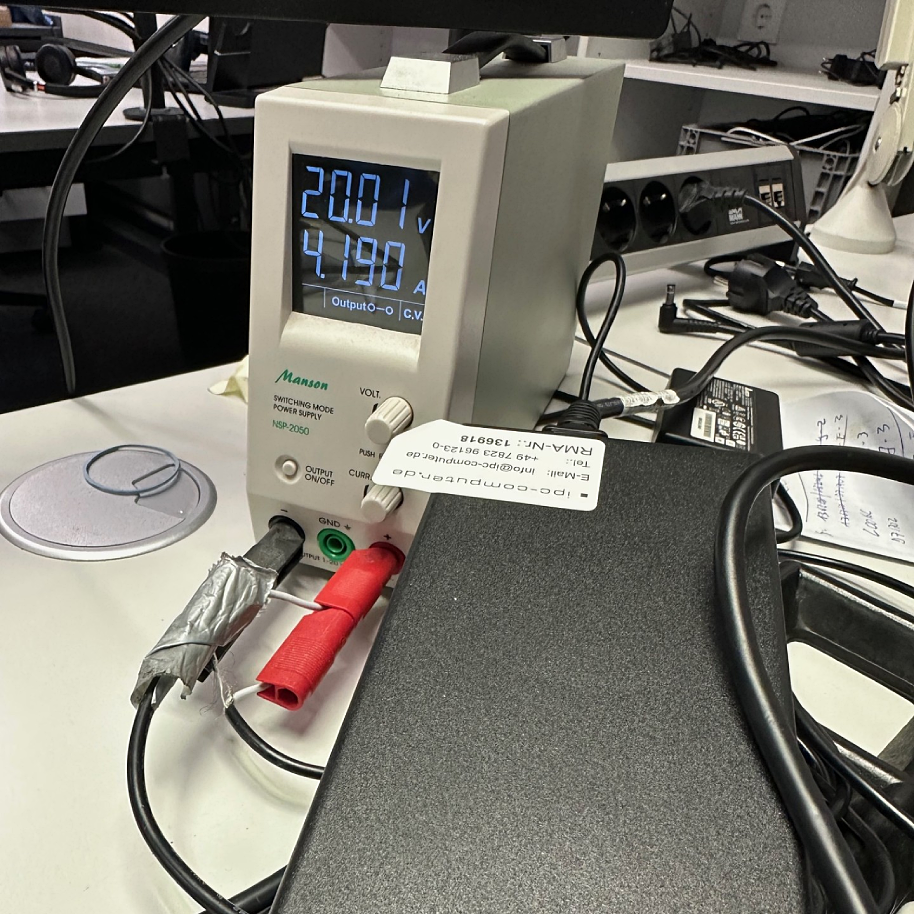
In the next step, the laptop was connected to a laboratory power supply.
Result:
The laptop started without problems – a clear indication that the problem was a defective power supply.
Why are original power supplies so important?
This example shows how quickly replicas from unknown sources – in this case, a power supply from China – can lead to serious problems. Even if voltage (V) and amperage (A) match on paper, the quality, stability, and safety of such power supplies often differ significantly from the originals. The technical internal components may also be of questionable quality.
Especially powerful devices like the Gigabyte AORUS 17G YD, which is originally equipped with a 230-watt power supply, should always be operated with the original power supply.
We recommended and sold the appropriate original Chicony power supply to our customer.
Our recommendation
The Gigabyte AORUS 17G YD model should only ever be operated with an original 230 W power supply. You can buy the power supply in our shop here.
Conclusion
A defective laptop power supply can be quickly bought on Amazon or eBay – it’s often underestimated that many cheap providers operate there, often supplying grey market goods or fake power supplies.
Those who rely on original or tested IPC-Computer spare parts prevent another quick power supply defect.
When experiencing charging problems, always measure the power supply and port first before assuming the worst. In this case, our technician was able to give the customer the all-clear after just a few minutes – the laptop was perfectly fine, only the power supply needed to be replaced.
The inspection of the charging port for a loose connection showed no findings. Therefore, a power jack repair was not necessary.
Service information
You can initiate a check and, if necessary, repair of your laptop directly through our repair service. Processing time: 1 business day