
It’s more than just annoying when individual keys stick, stop responding altogether, or the entire keyboard fails. Depending on the cause, the problem can often be fixed yourself – or with some professional support. In this article, we’ll show you step by step how to repair a laptop keyboard yourself, when a DIY repair is worthwhile, and what costs you should expect.

Table of Contents
Troubleshooting Software Issues
First, you should rule out that the error is software-related. Defective keyboards are not always due to the hardware itself – sometimes an outdated or faulty driver causes keys to not function properly.
Check and update drivers:
- Right-click on the Start menu → Open Device Manager
- Select the Keyboards category → Right-click on the entry → Update driver
Reinstall driver:
- In Device Manager, uninstall the keyboard driver
- Restart laptop – Windows will automatically reinstall the appropriate driver
Tip:
If you have recently performed a Windows Update or BIOS update, a rollback to a previous version can help to rule out software conflicts.
Hardware Cleaning: Repairing Individual Keys
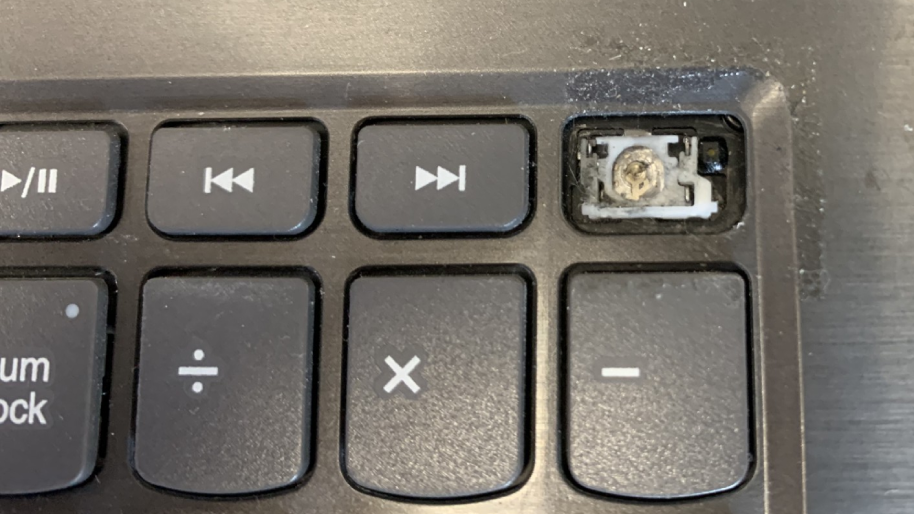
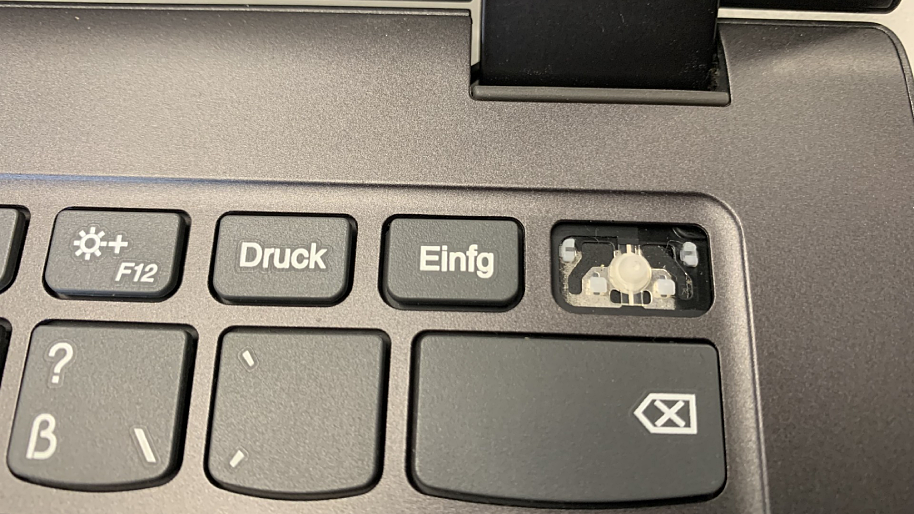
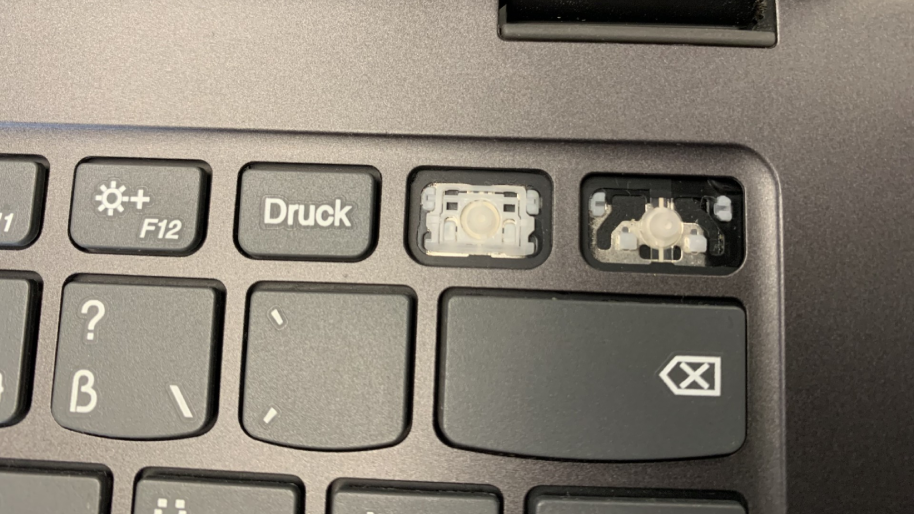
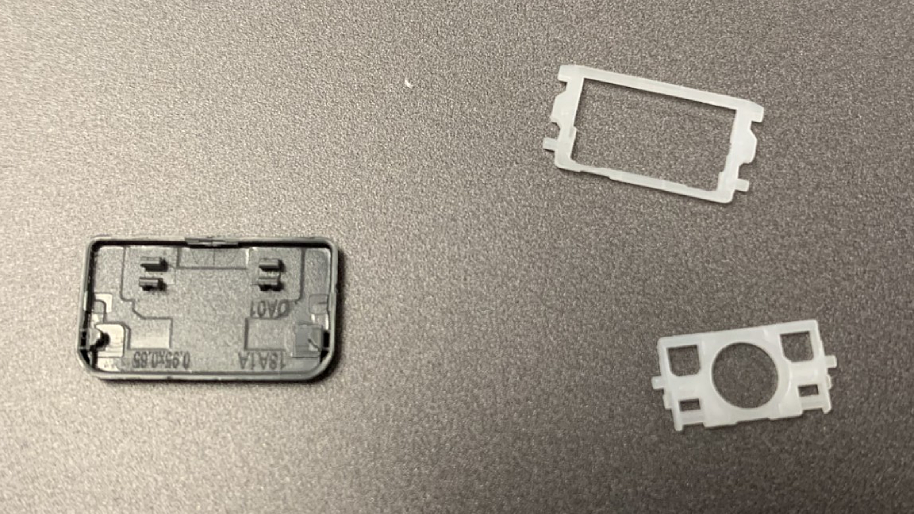
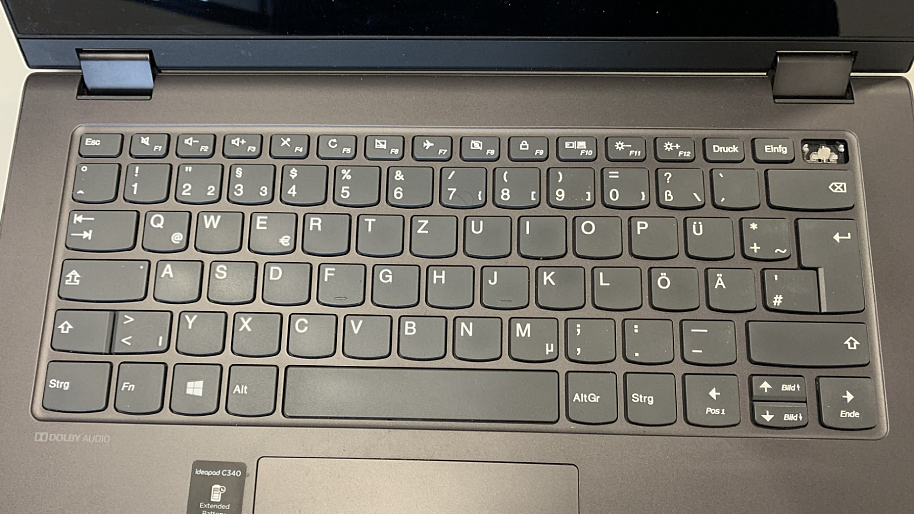
- Turn off the laptop and – if possible – remove the battery
- Carefully pry off the affected key and remove it (e.g. with a fine plastic lever or toothpick)
- Clean with compressed air or a soft brush
- Check rubber mechanism or hinge (for butterfly or scissor mechanism)
- Replace the key and press it in carefully until it clicks into place
Note:
Special care is required, especially with large keys such as spacebar, shift or enter – here the small metal rods and brackets must be seated correctly, otherwise they will not function properly.
Repair or replace the entire keyboard
If none of the keys work anymore, there is often a problem with the keyboard cable or a more in-depth defect on the motherboard.
Possible causes & solutions:
- Loose keyboard cable: Open the laptop, remove the battery and reconnect the ribbon cable
- Liquid damage: Disconnect from the power immediately and do not switch on the device – risk of corrosion!
- Stuck or glued keys: On some models, the keyboard is part of the case (“top case”) – here, only a complete replacement in the workshop usually helps
If you have no experience in disassembling a laptop, it is advisable to go to a specialist workshop. There, the defective components are professionally tested and the replacement is carried out professionally.
Costs and Alternatives
| Option | Typische Kosten | Bemerkung |
|---|---|---|
| Eigenreparatur | Materialkosten (z. B. Einzeltaste oder Werkzeug) | Nur für geübte Nutzer empfehlenswert |
| Reparatur | ab 150 € + Ersatzteil | Je nach Modell und Arbeitsaufwand |
| Externe USB-Tastatur | Ca. 30 € | Gute Übergangslösung bei Notebook-Ausfall |
The actual repair costs depend heavily on the model, keyboard type and spare parts availability. For permanently installed notebook keyboards, the effort is usually higher, as the top case often has to be replaced as well.
When a professional repair is worthwhile
A laptop keyboard repair is particularly worthwhile for high-quality business, gaming or Apple devices, as their original parts are robust and durable. In the IPC-Computer specialist workshop, we first check whether a replacement is really necessary – or whether cleaning or a cable connection is sufficient. This means that you only incur the costs that are actually necessary.
Conclusion
Whether defective keys, spilled coffee or a loose contact on the cable – many keyboard problems can be clearly identified. You can fix small errors yourself, but for larger defects, a professional repair is the safe way to go. With original spare parts and expertise from over 20 years of experience, IPC-Computer ensures that your notebook is quickly ready for use again – reliably, efficiently and sustainably.